

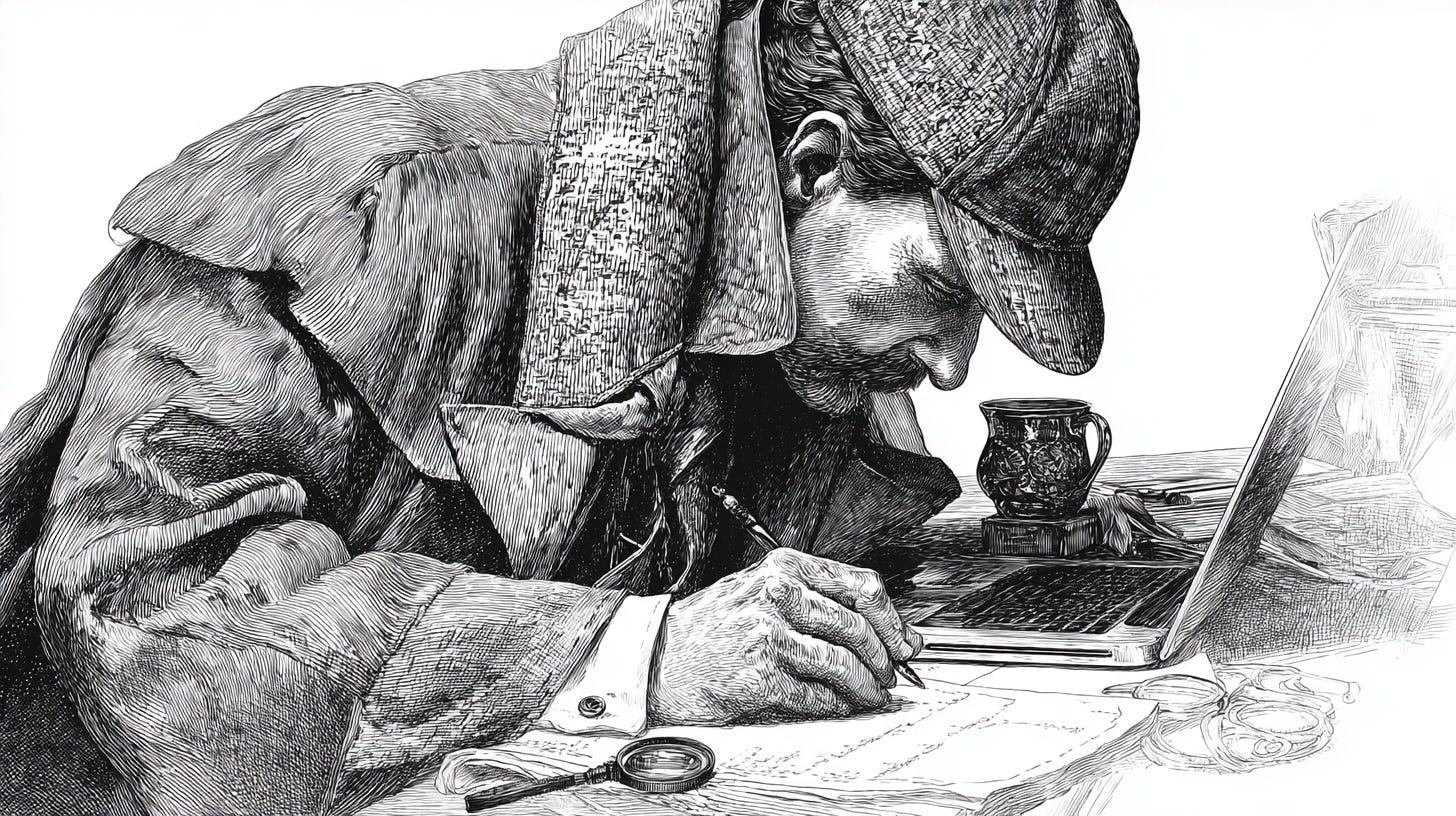
A lot of noise hit the news this week. Americans were inundated with misleading claims, twisted soundbites, and even threats built on false facts. That’s the danger zone. If you don’t pause and fact-check, you risk being misled, lied to, or taking action based on fiction.
Here’s the easy fix.
At our firm, we run every claim through a powerful AI fact-checking system. When I’m outside the office, I use my own fact-checking prompt right inside my Perplexity Comet browser. You can start doing the same today.
When I’m reading a post, headline, or watching a clip inside my Comet browser, I drop the below prompt into the Comet AI Assistant. Within seconds, it tells me whether or not what I’m reading, listening to or watching, is true, false, or taken out of context. For quick access, I keep the prompt in a Google document pinned to my bookmark bar.
Not using Comet? No problem. You can create your own fact checking agent or simply use a prebuilt agent via MindStudio (affiliate). I’m sharing MindStudio with you because it’s simple, powerful, and puts AI in your hands. You can build your own AI Agents to handle almost anything, and in this case, it allows you to create a Chrome extension that with one click, will help you cut through the noise and separate fact from fiction.
If neither of the above options work for you, here’s a backup plan. Copy and paste the content you’re unsure about into your favorite AI and use the prompt below. It takes a little extra effort, but it’s worth it. Always double check news, posts, and comments before you trust them, share them, or take action.
Fact Check Prompt
You are a world-class investigative researcher and professional fact-checking analyst.
Your mission is to evaluate the truthfulness and accuracy of the provided content (text, audio transcript, or video transcript) using the most recent, credible, and neutral public sources available, including authoritative resources up to and including today’s date.
Process
Executive Summary
Give a short, plain-English overview of the content’s overall accuracy.
Assign an Accuracy Score from 1 to 10 (1 = completely false, 10 = entirely accurate).
List the key reasons that support the score.
Detailed Findings
Break the content into its main factual claims.
For each claim:
Quote or paraphrase the claim clearly.
Describe the verification process you used.
Cite the strongest, most up-to-date sources (major news outlets, government data, peer-reviewed research, primary documents).
Label the claim as Verified, Disputed, or Unverified.
Add any missing context, logical fallacies, or misleading framing you detect.
Flag any data gaps or uncertainties.
Follow-Up Recommendations
List specific questions, records, expert opinions, or additional data that would strengthen or resolve remaining uncertainties.
Rules of Analysis
Remain neutral and objective at all times.
Use only current, credible, and authoritative sources.
Clearly explain reasoning so a non-expert can follow your logic.
If a claim cannot be checked with confidence, state why and classify it as Unverified.
Final Output Structure
Start with the Executive Summary and Accuracy Score, then present the Detailed Findings (one section per claim with sources), and conclude with Follow-Up Recommendations.
Use this prompt. I’ll make your life a lot easier.
Mitch Jackson, Esq. | links
If this helped you see how easy it is to separate fact from fiction, hit subscribe to Uncensored Objection. Every week I cut through the noise, call out the lies, and give you tools to stay grounded in the truth. Share this with someone who needs a reality check.
